 AgentCron
Set quarterly objectives
Describe what your team or project needs to achieve. Choose the quarter and assign an owner.
 OKRs
OKRsSet quarterly objectives, assign owners and measure key results. Use progress check-ins to see which goals need attention.
Start free with OKRsNo card required.
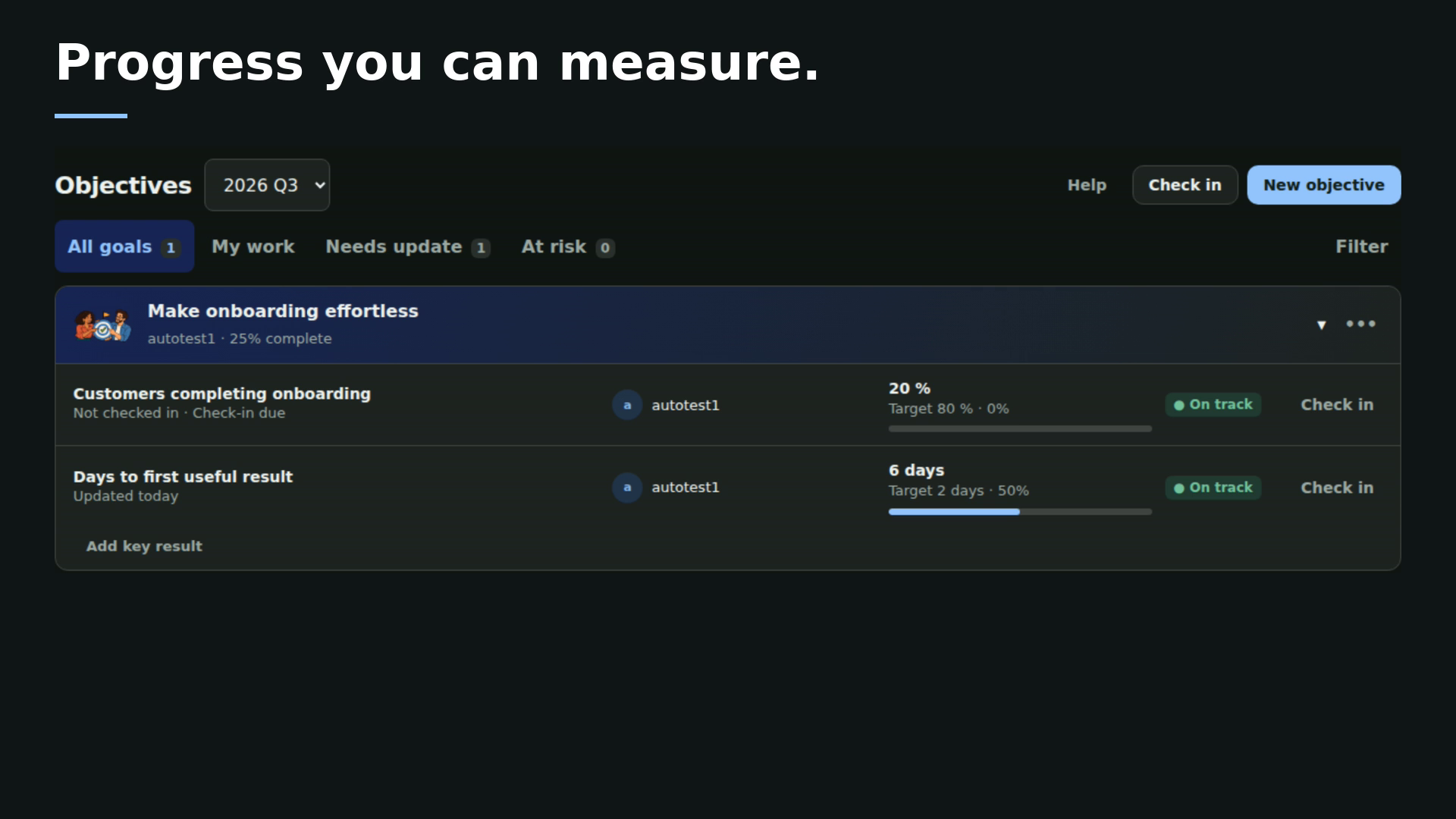 Watch 30 secSee what your team can achieve ↗
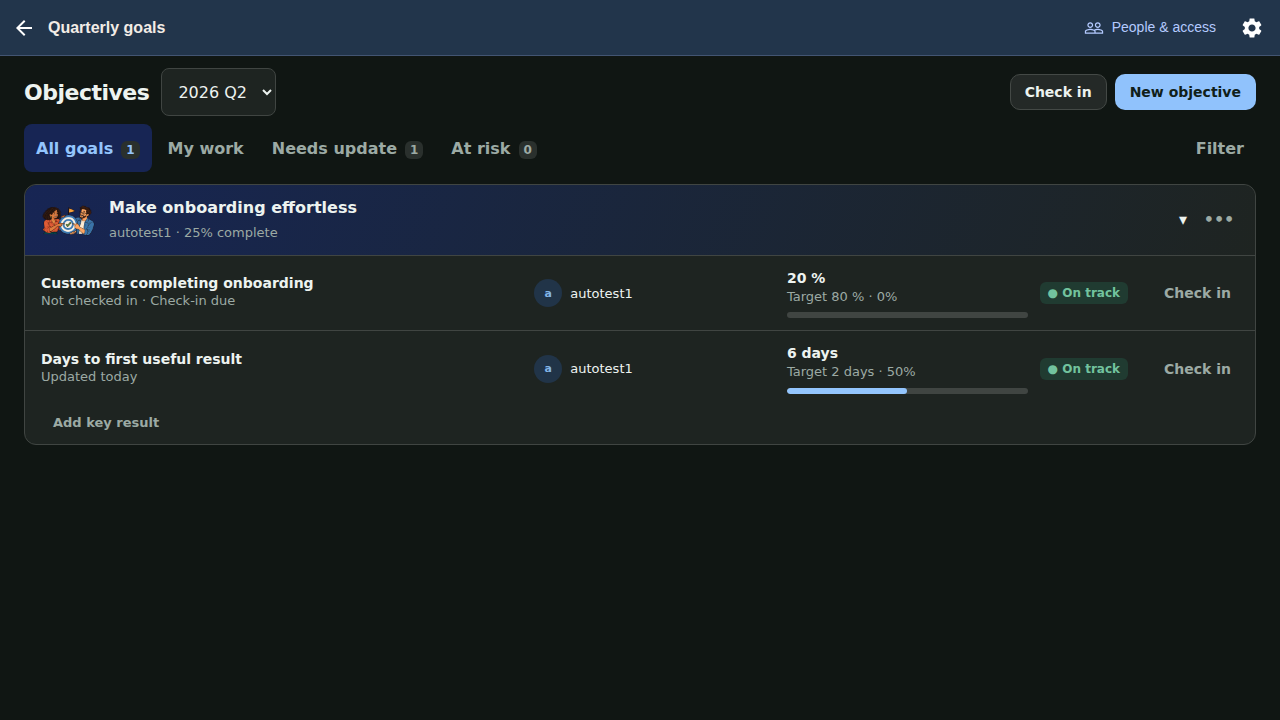
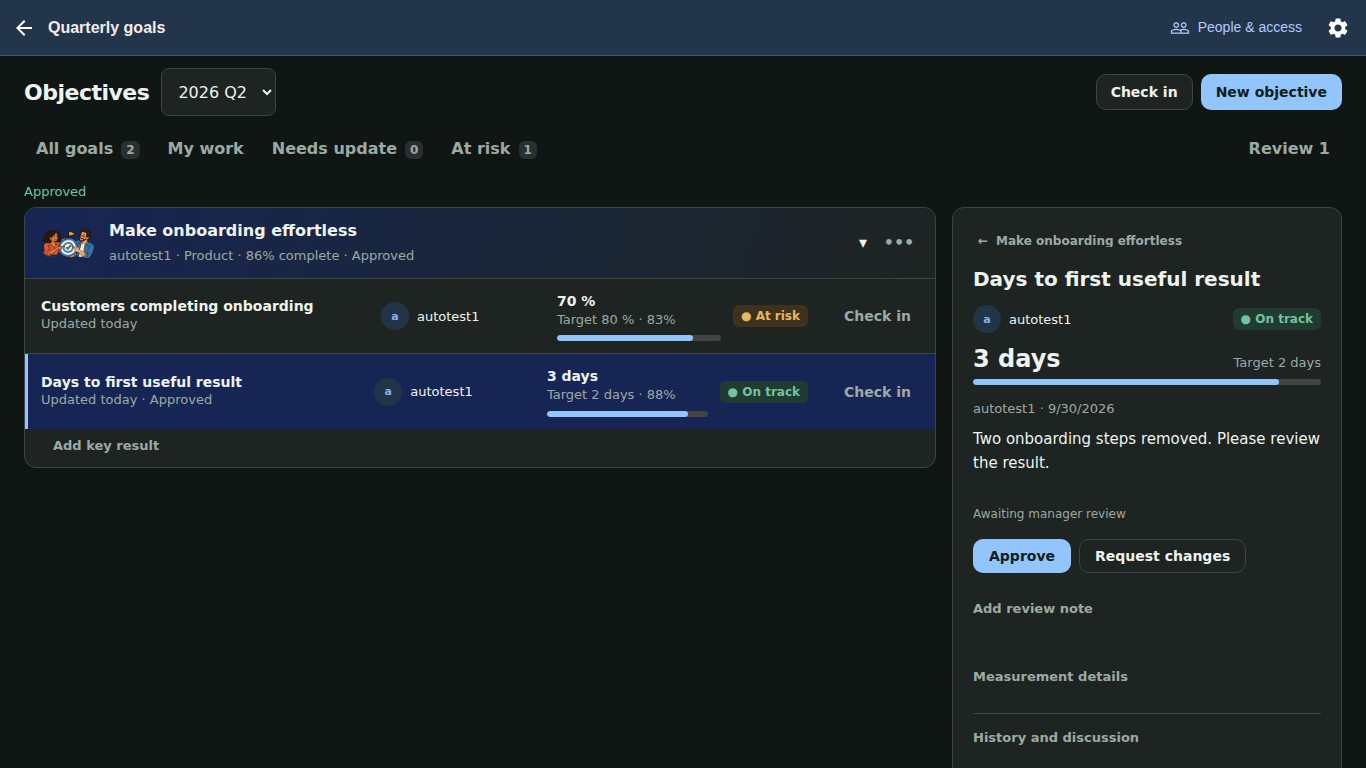
Describe what your team or project needs to achieve. Choose the quarter and assign an owner.
Set a starting value, target, unit and due date. Give each result an owner responsible for updating progress.
Record progress check-ins, flag results that need attention and close objectives with an outcome.
OKR stands for Objectives and Key Results. An objective describes a goal; its key results define measurable targets that show whether you achieved it.
Teams and project groups that share measurable goals. Use it for product, operations or other team objectives; it is not limited to sales or company-wide targets.
Set a baseline, target and unit for each key result. Update the current value through check-ins and record status as work progresses.
Docs, projects, chat and shared files. Together in AgentCron.


